Local desktop awareness
Bring your system into the live session.
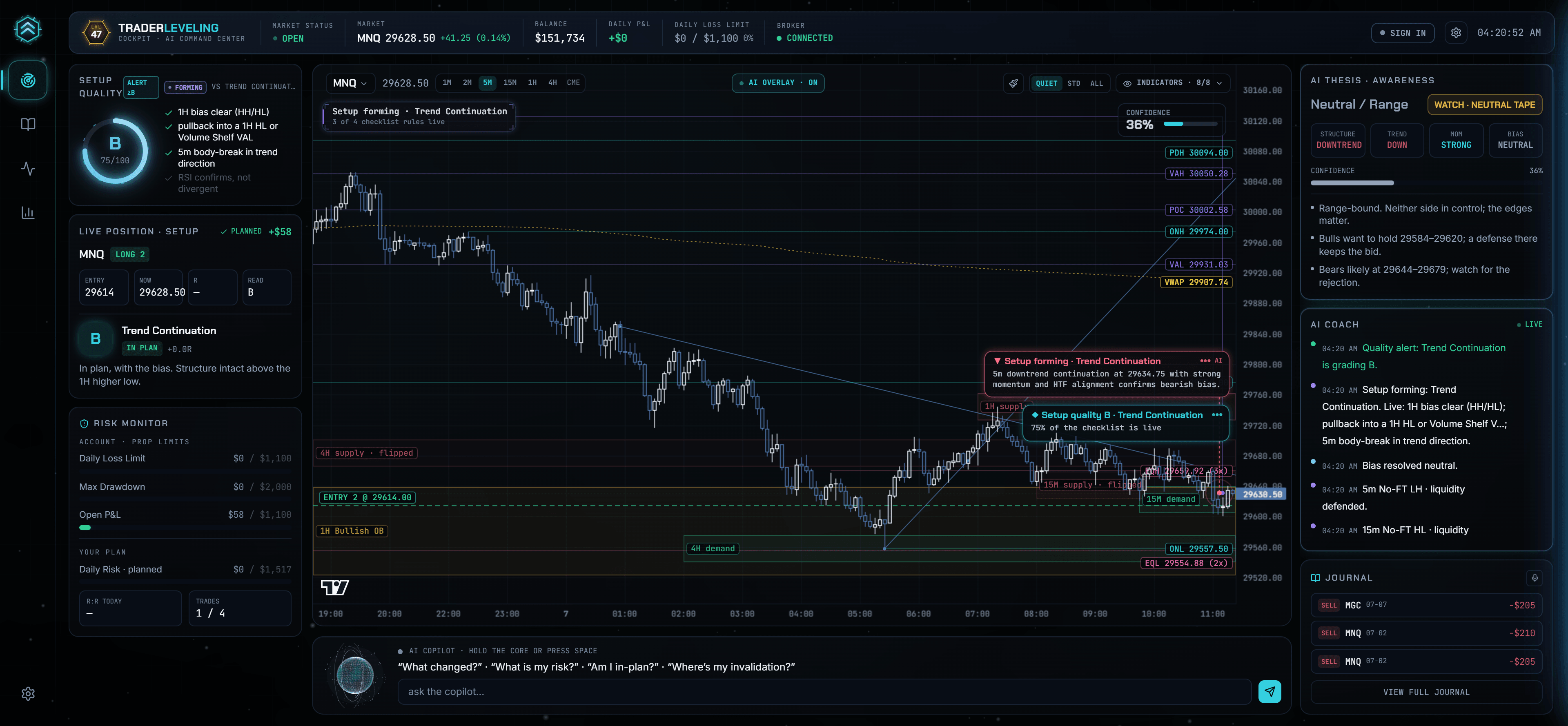
The Terminal is a Windows desktop application that keeps chart, position, setup, risk, and journal context together. It monitors your rules; it does not generate automated trade recommendations.
Current installer
TraderLeveling Terminal for Windows
- Platform
- Windows x64
- Package
- MSI installer
- Account
- TraderLeveling sign-in required to connect
- macOS / Linux
- Unavailable
Install and connect
A short, explicit launch path.
- 01
Install
Download and run the Windows x64 MSI package. Windows may ask you to confirm the publisher before installation.
- 02
Sign in on the web
Open Terminal from your authenticated TraderLeveling account. The web app creates a signed launch code that expires after two minutes.
- 03
Connect your feed
Connection credentials entered in Terminal remain on the local device. You remain responsible for provider access and market-data entitlements.
- 04
Choose what syncs
Selected derived records such as plans and closed trades can return to your web record. Live market-data series do not.